Fitness - Mobile app
💪Fitness Mobile App – Screen UI design
📌 Project Overview:
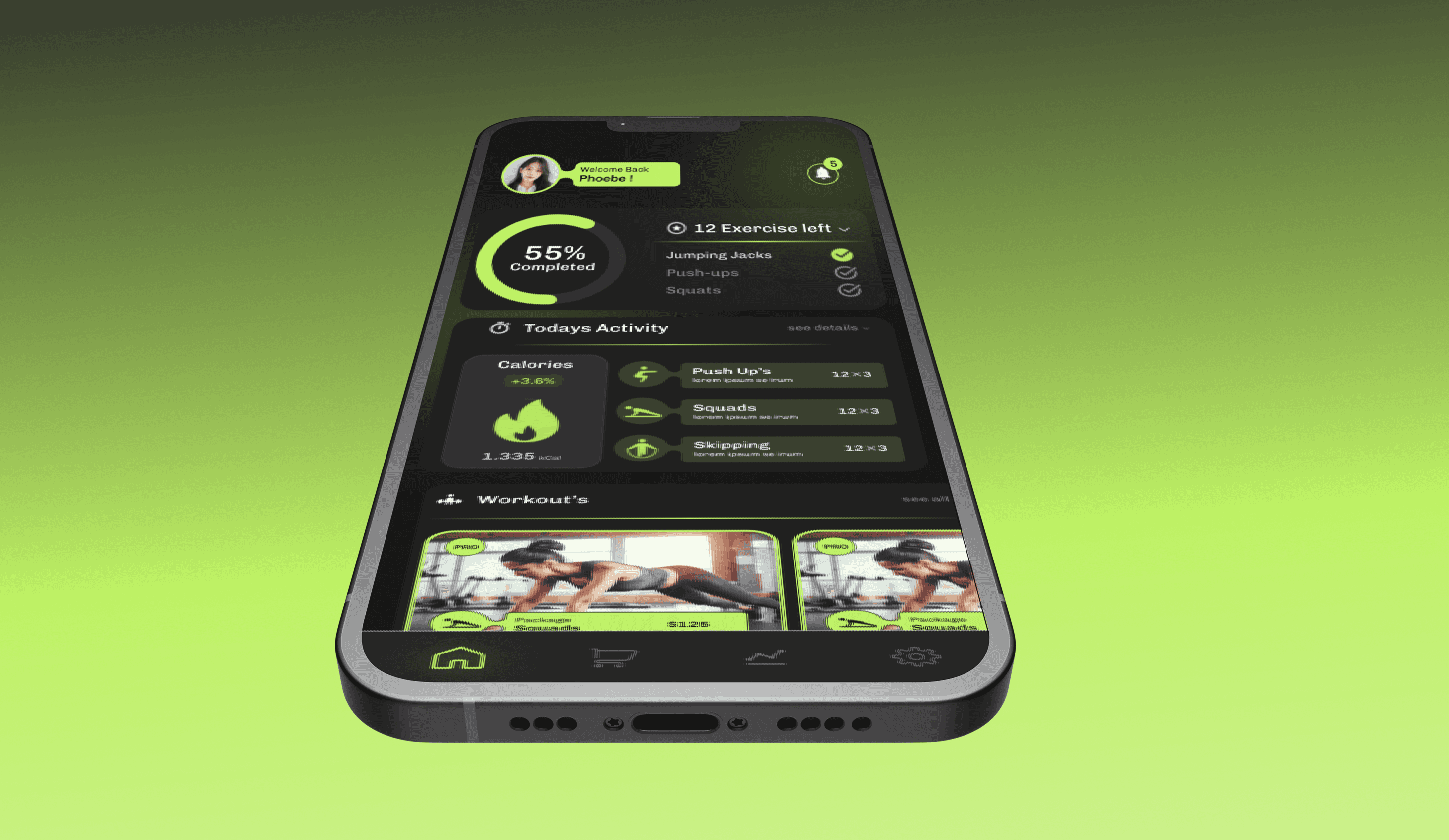
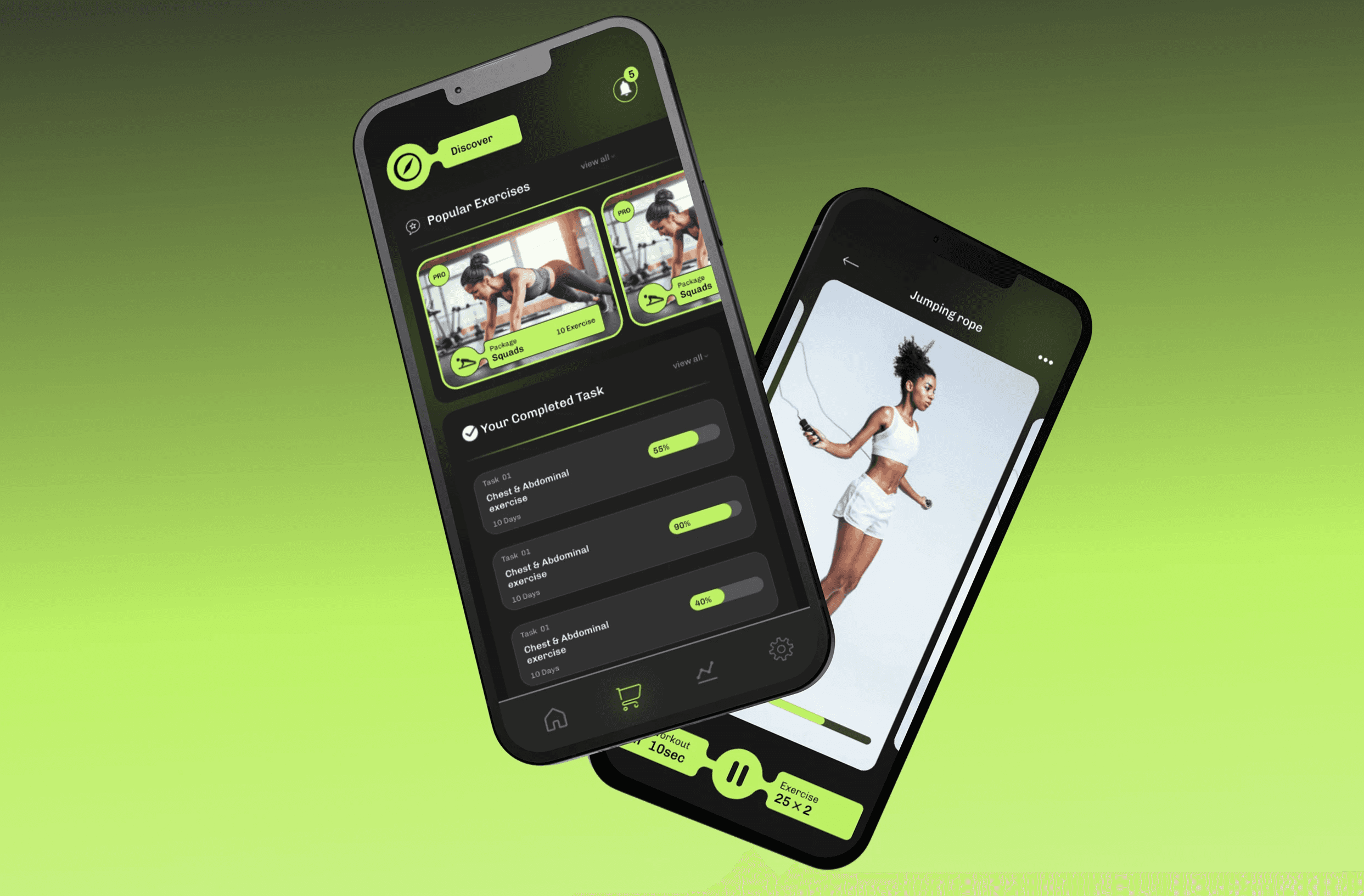
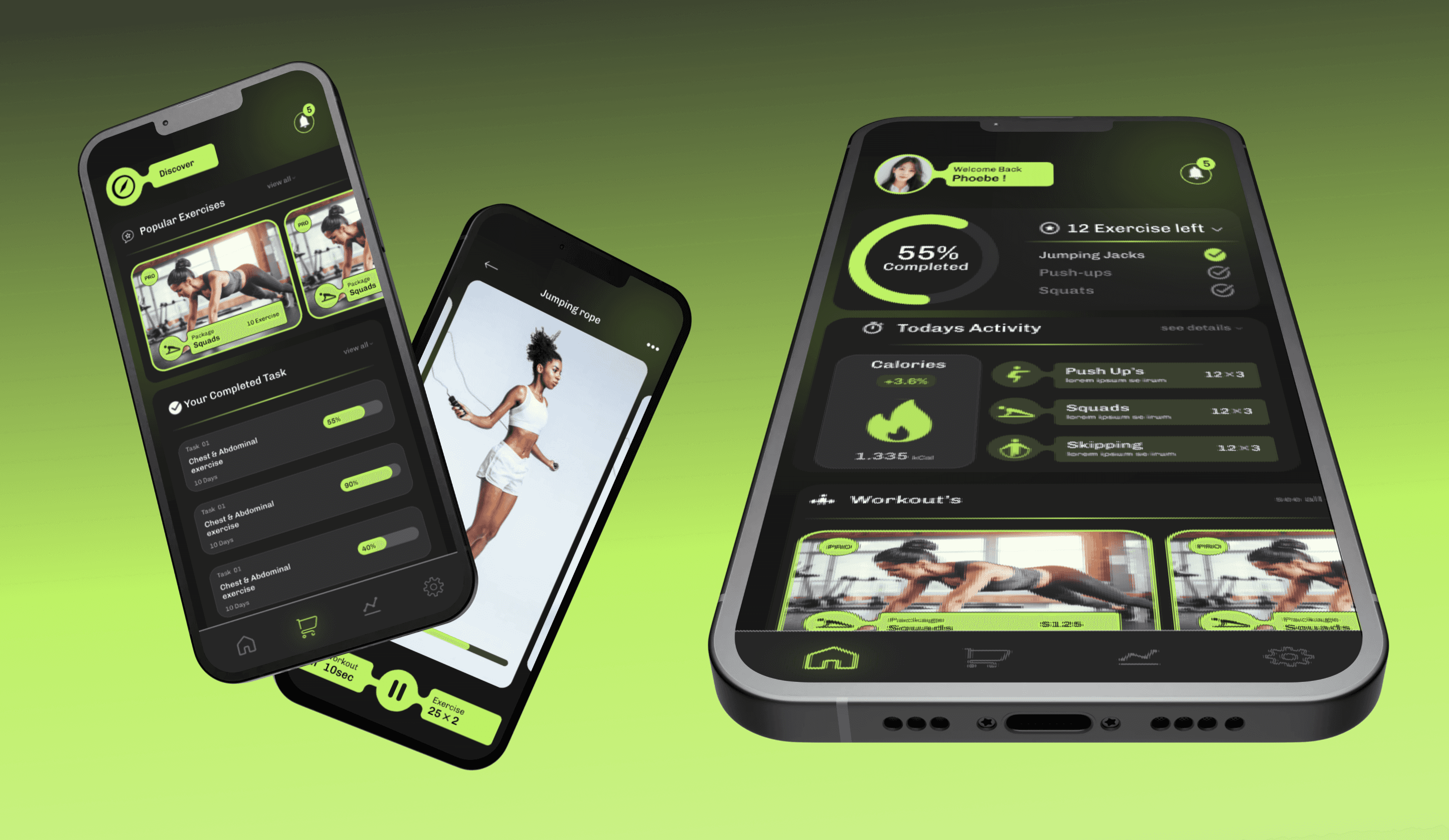
As part of a three-screen fitness app UI concept, this home screen was designed to motivate and guide users through their daily workouts while keeping track of progress in a visually engaging manner.
🧩 Role & Responsibilities
UI/UX Design – Created user flows and a visually compelling dashboard
Developed a component system for consistency across screens
Focused on visual hierarchy and accessibility to ensure clarity
Designed with a mobile-first approach considering limited screen space and quick user interactions
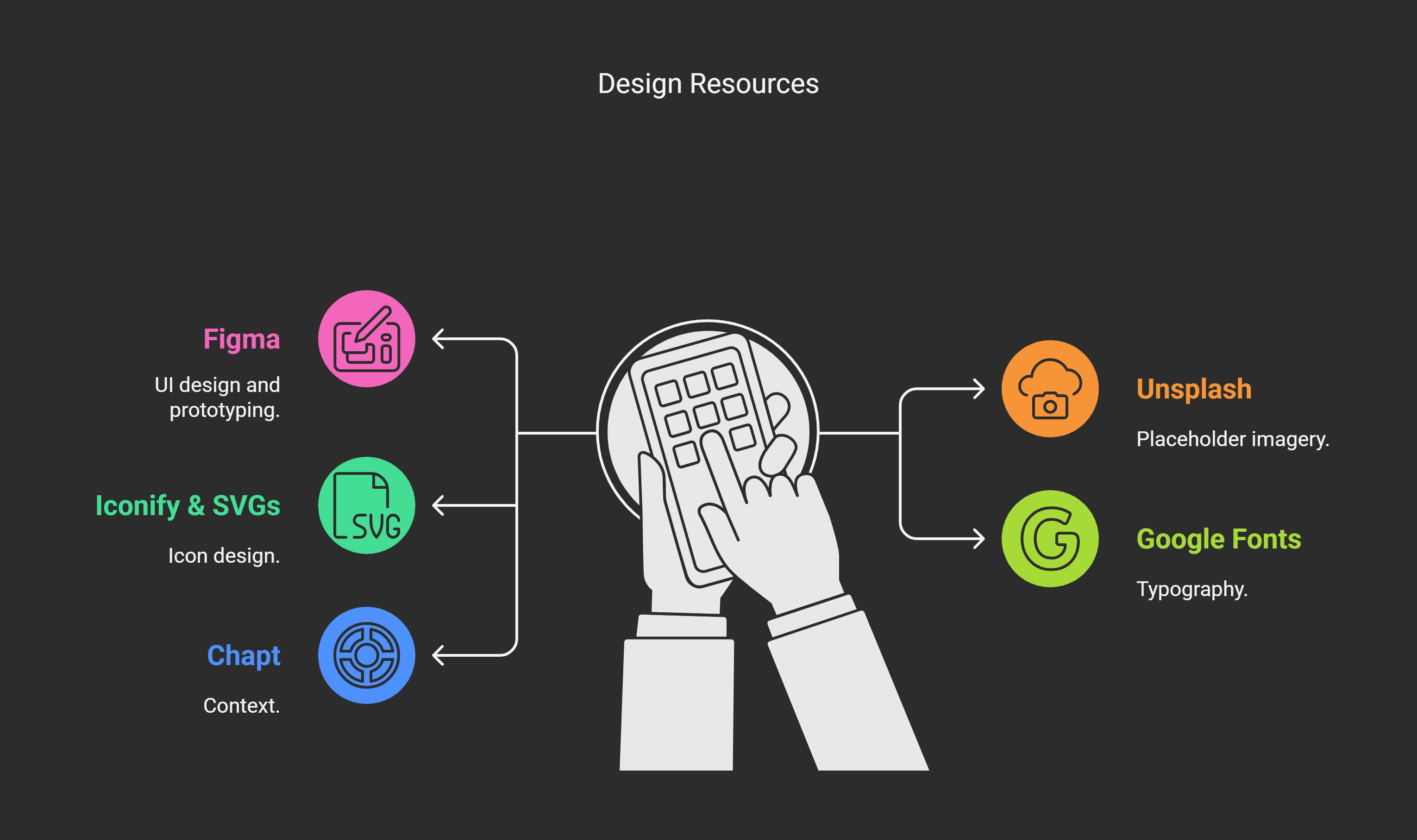
📱 Tools Used
🌟 Key Design Elements
1. Welcome Block
Personalized greeting ("Welcome Back, Phoebe!") with profile image creates a sense of familiarity and routine.
Helps users feel emotionally connected, reinforcing habit-building.
2. Progress Tracker
Circular Progress Ring visually communicates workout completion at a glance (currently 55%).
The "12 Exercises Left" label along with a clean checklist provides structure and clear direction.
✅ Completed items are marked, enhancing a sense of accomplishment.
3. Activity Tracker Section
Divided into Calories Burned and Exercise Logs.
Calorie section includes a change percentage (+3.6%) to subtly introduce data-driven motivation.
Each workout (Push Ups, Squats, Skipping) is paired with an icon and rep count — easy to scan and understand.
4. Workout Packages
Each workout card (e.g., Squads Package) includes a price, label, and professional (PRO) badge.
Bright green tags and borders help these stand out, supporting discoverability and monetization.
Cards are likely scrollable horizontally — maintaining continuity without overwhelming the user.
5. Bottom Navigation Bar
Uses familiar icons (home, cart, stats, settings) for intuitive navigation.
Designed for thumb-friendly access with minimal visual clutter.
💡 Design Thinking Process
User Problem:
"I want a simple way to track my progress, know what to do next, and discover new workouts when I have time."
UX Solution:
Progress-focused layout for clarity and motivation.
Micro-moment design — users can check progress or log a workout in seconds.
Modular layout allows users to expand/collapse sections as needed.
Visual Design Goals:
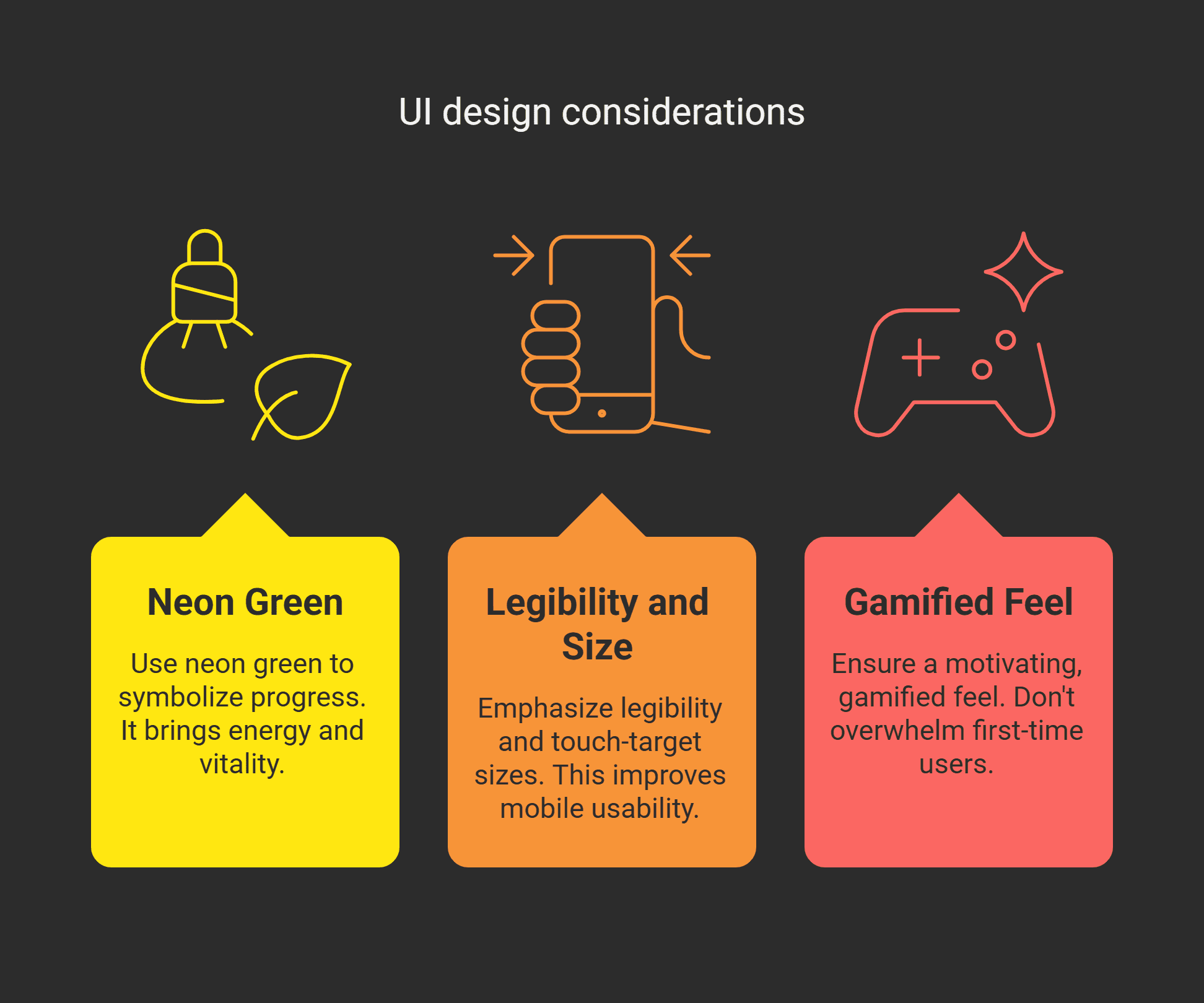
🖤 Personal Reflection
This screen was my favorite part of the fitness app project. It’s where I blended motivation, minimalism, and user flow clarity. From the glowing progress ring to the compact daily log cards, each element is built to keep the user moving, both literally and inside the app.